Shop Squarespace Templates
Launch a polished website without starting from scratch.
Squarespace 7.1 templates for creative consultants who want a clear, professional website foundation they can customise with ease.
ALL PRICES ARE LISTED IN AUD
•
SERVING CUSTOMERS WORLDWIDE
•
ALL PRICES ARE LISTED IN AUD • SERVING CUSTOMERS WORLDWIDE •
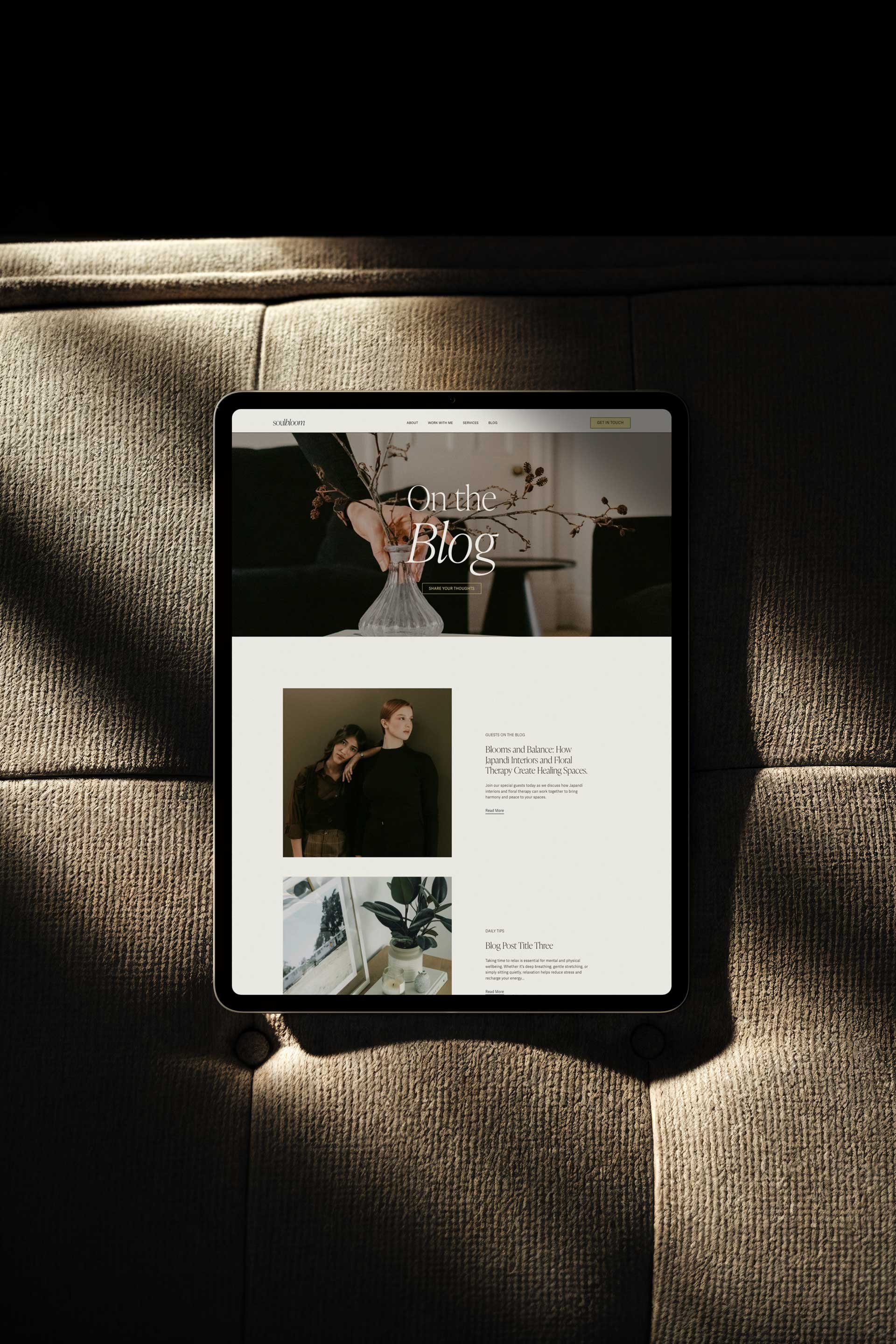
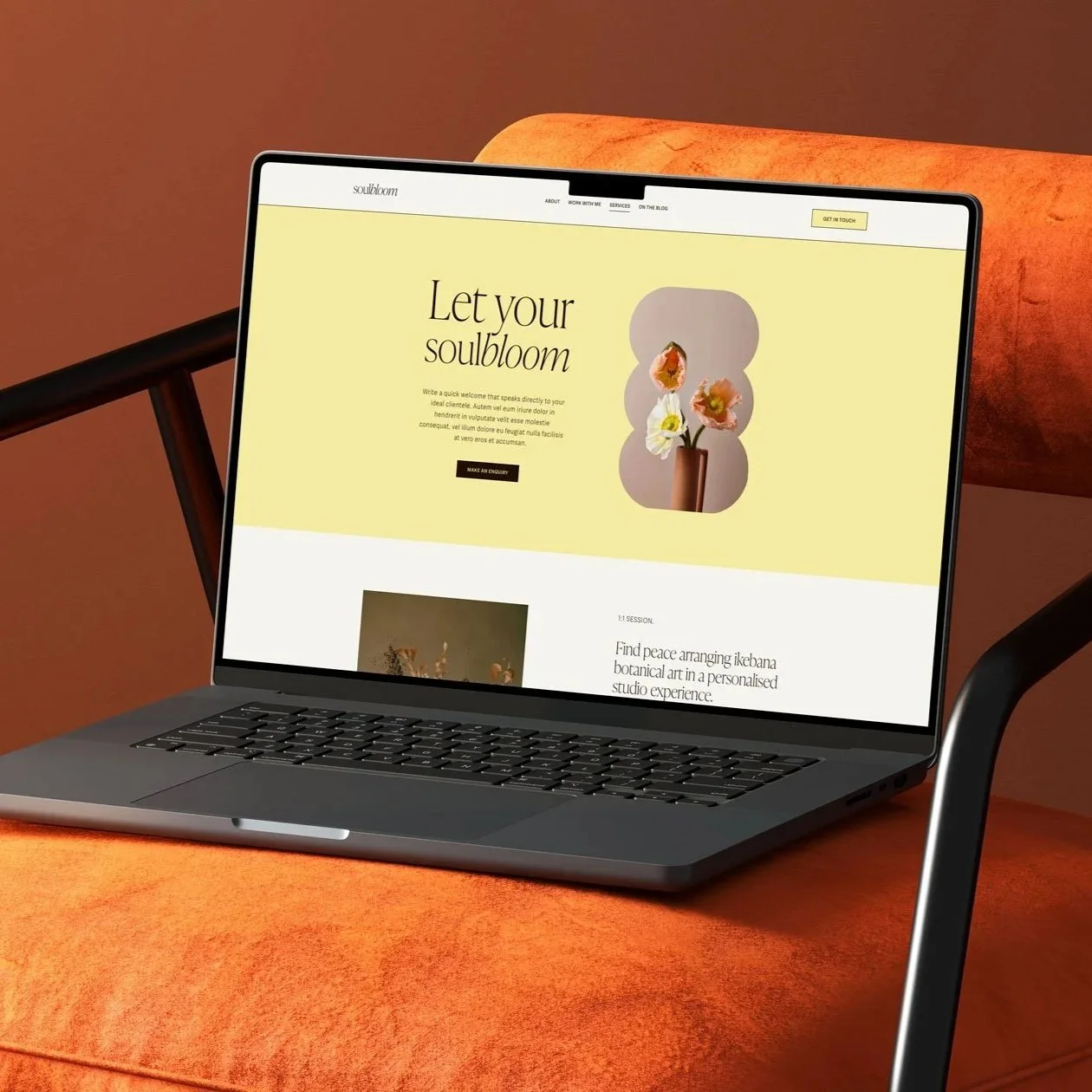
WEBSITE TEMPLATES THAT MAKE SENSE
A solid starting point, so you can customise with more clarity and less guesswork.

Fully Built Pages
Complete layouts for home, about, services, contact, and more—all designed to work together seamlessly.

Easy Customisation
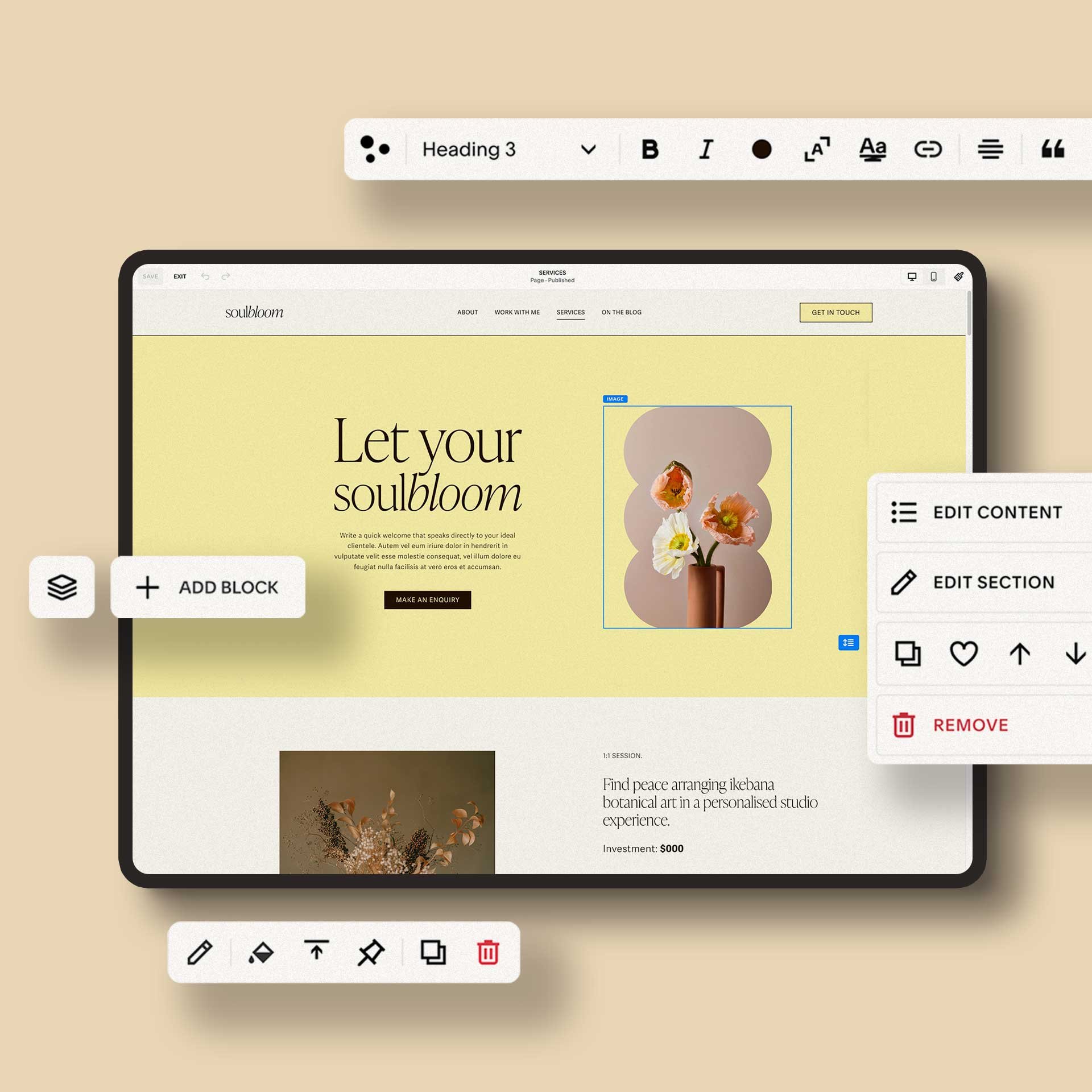
Update the copy, colours, fonts, images and buttons directly inside Squarespace.

Considered Structure
Each template includes useful sections for services, introductions, FAQs, portfolios and calls to action.

Mobile-friendly Layouts
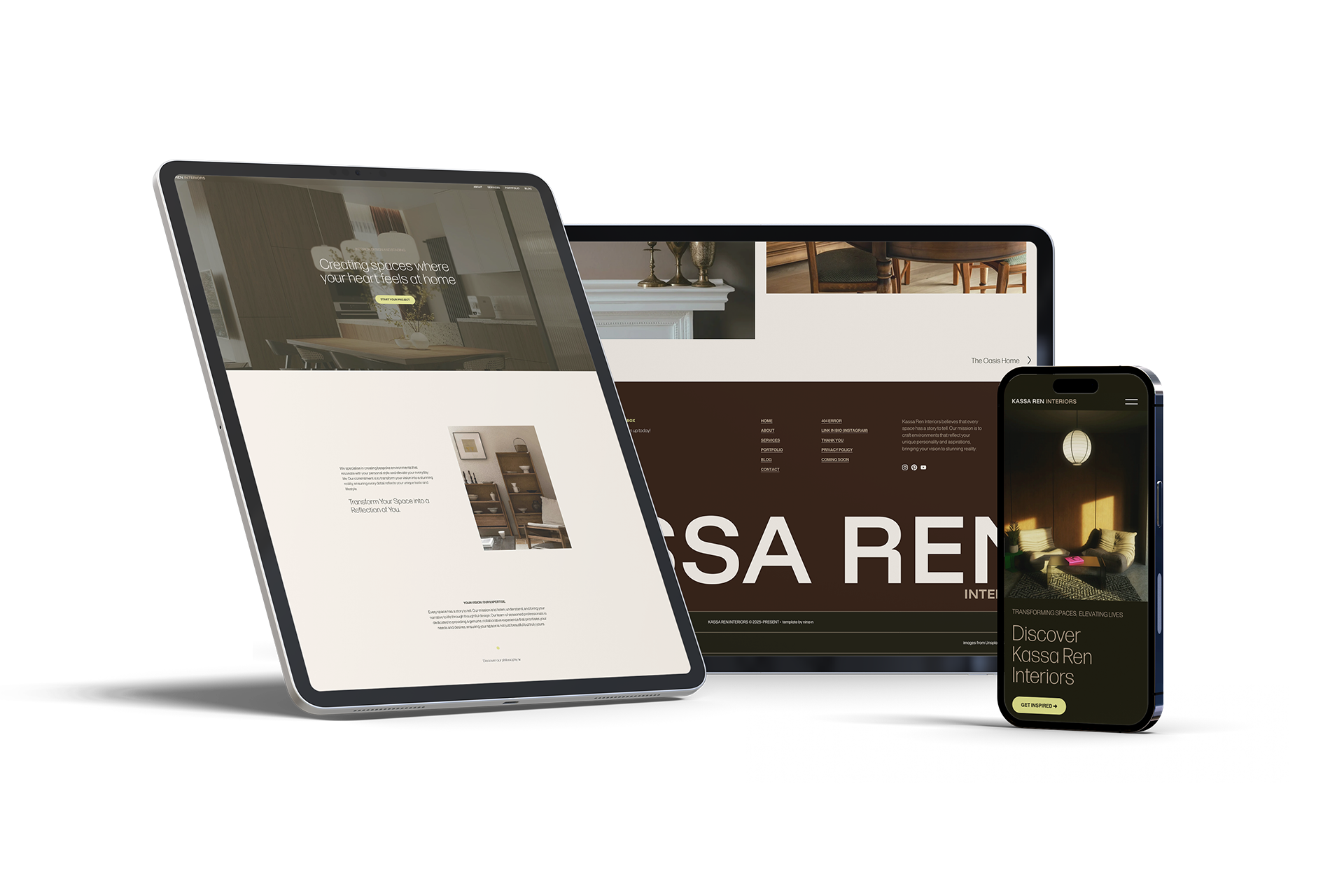
Designed to look polished across desktop and mobile.
A$199.00
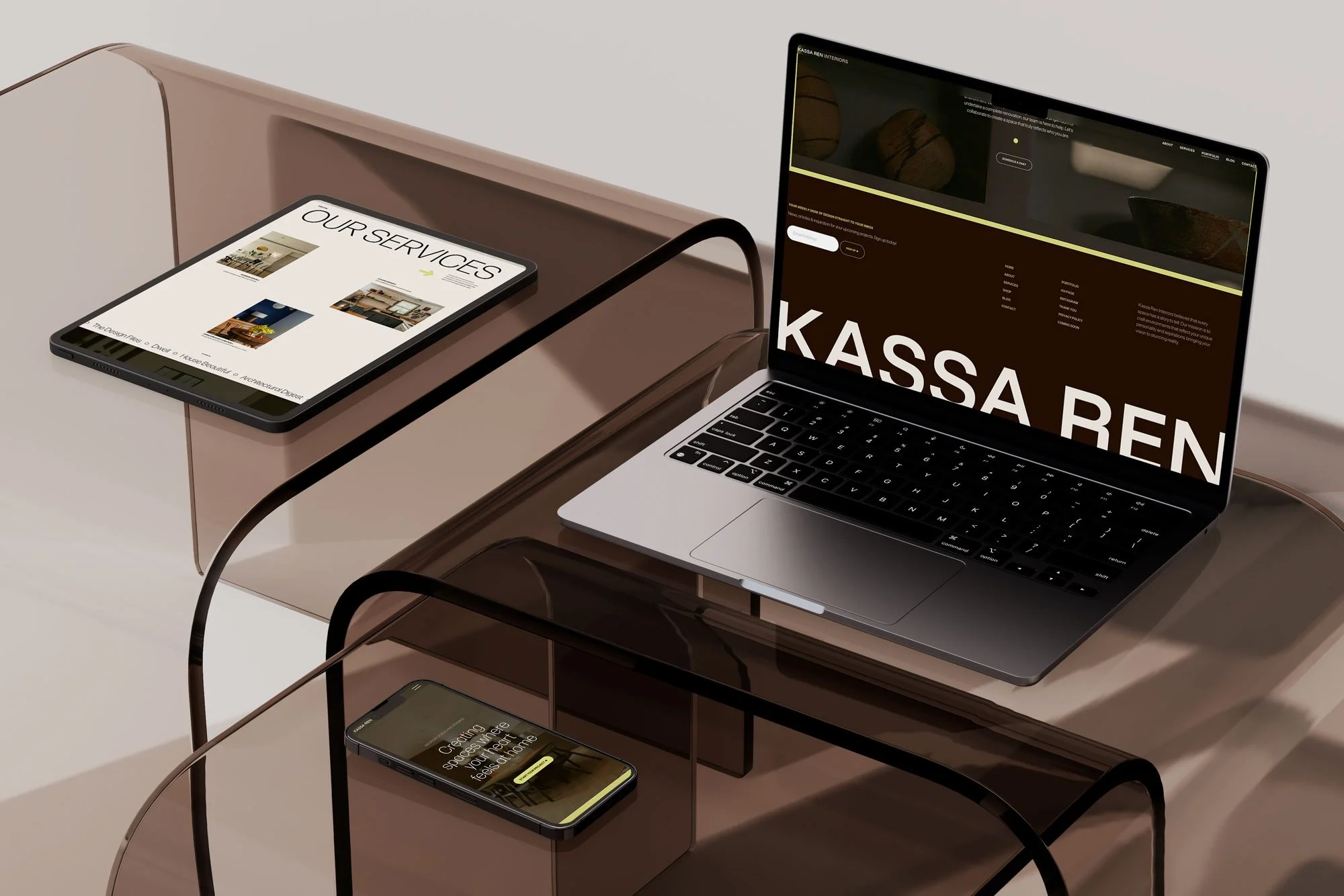
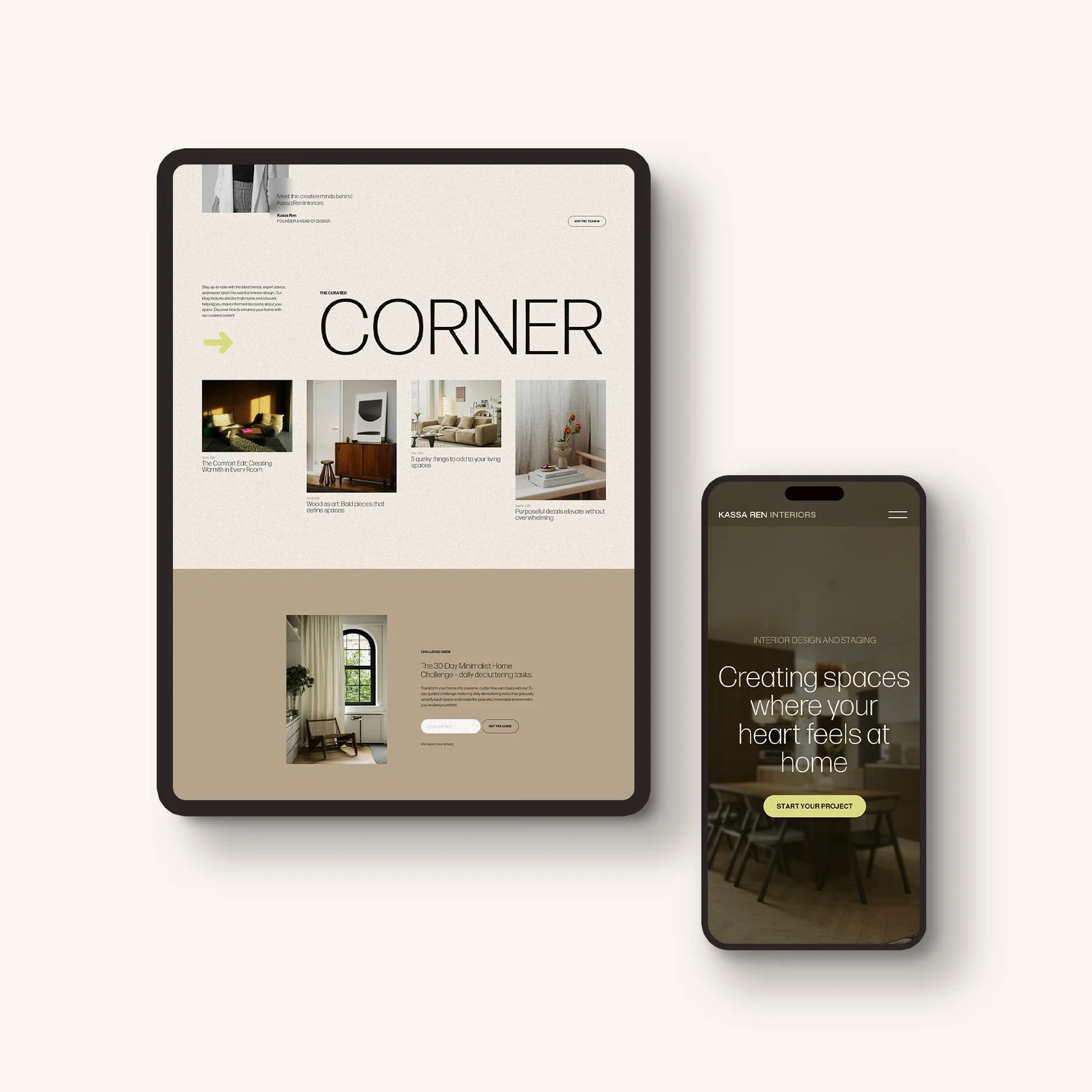
Kassa Template
For service providers, studios and creative businesses who prefer a refined, editorial-style website.
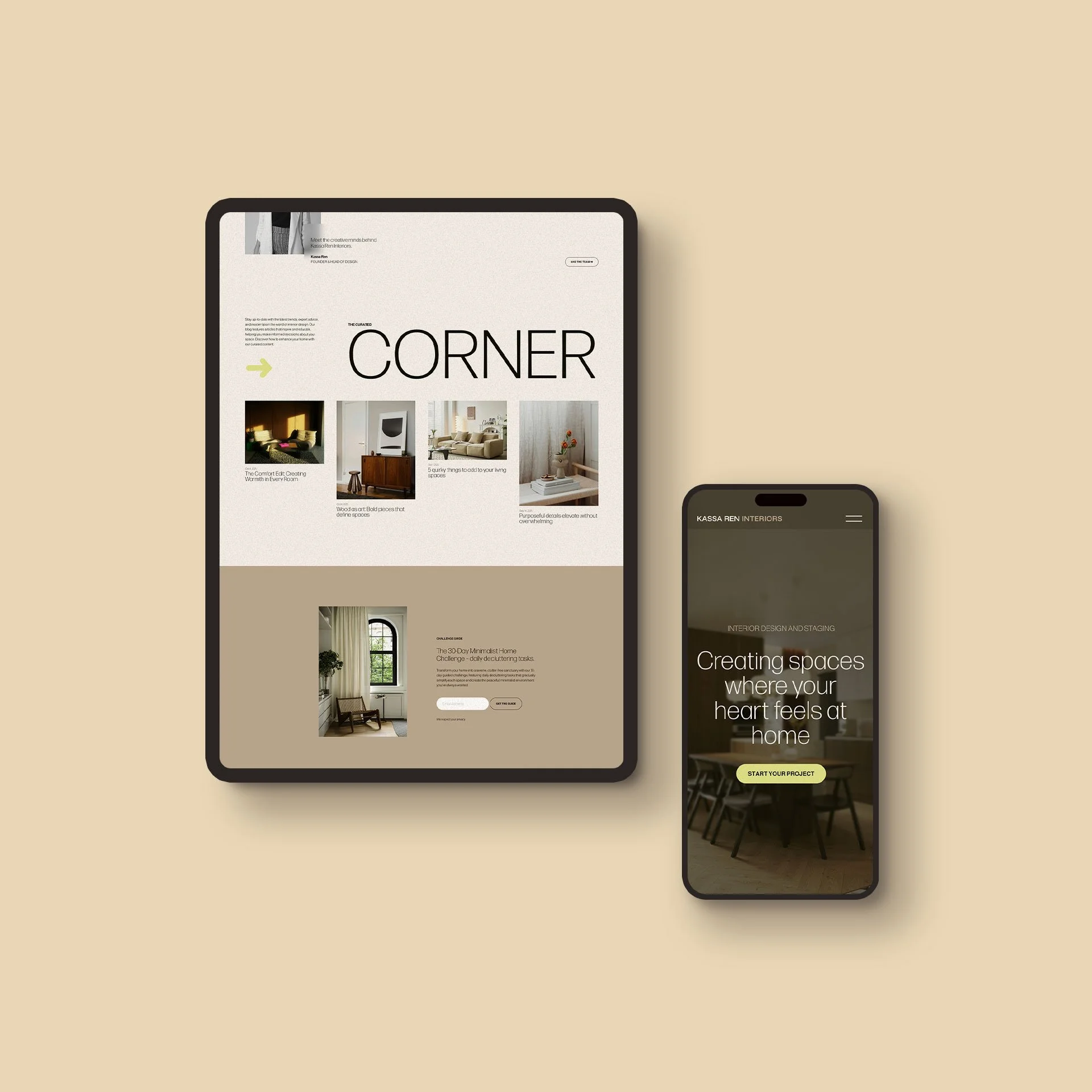
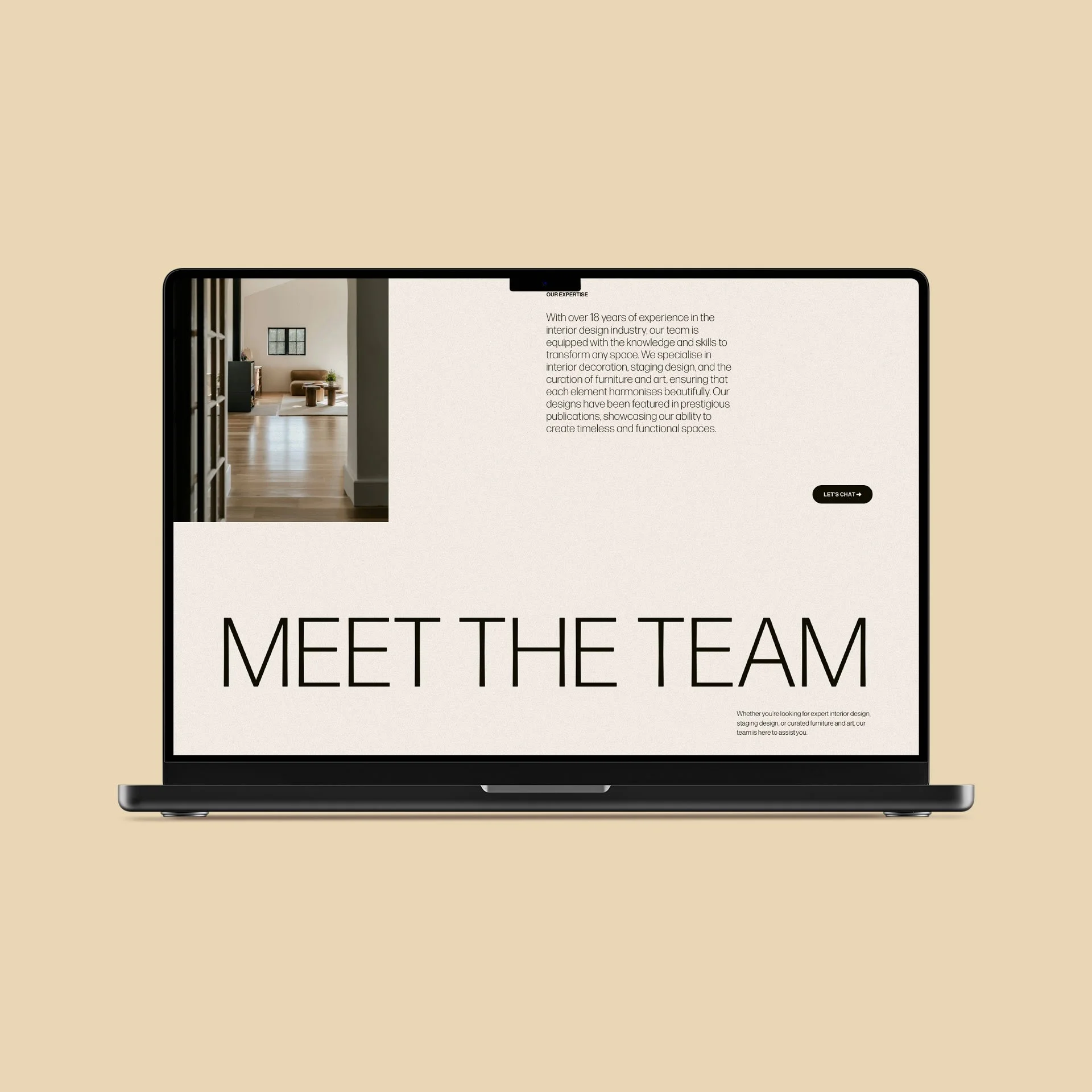
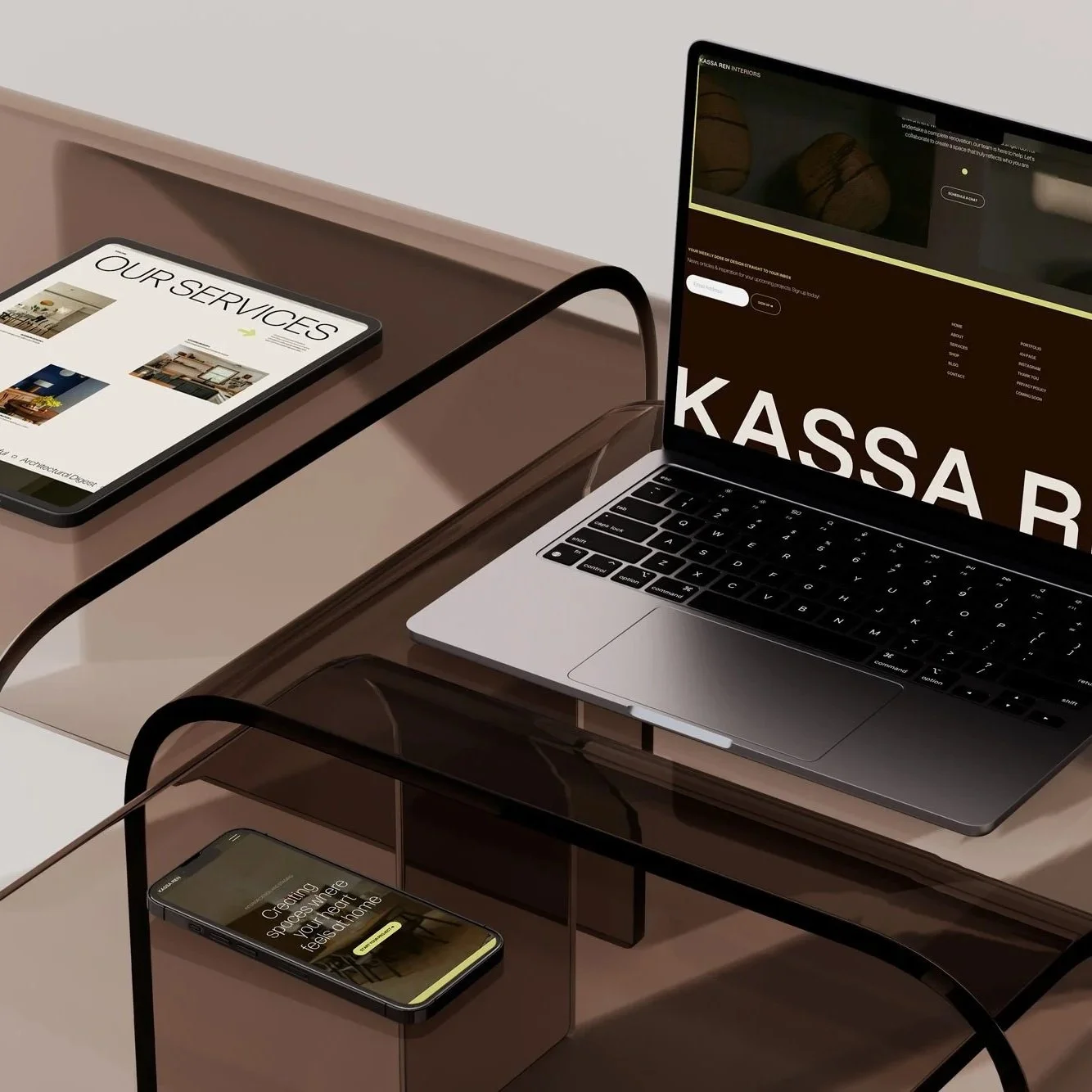
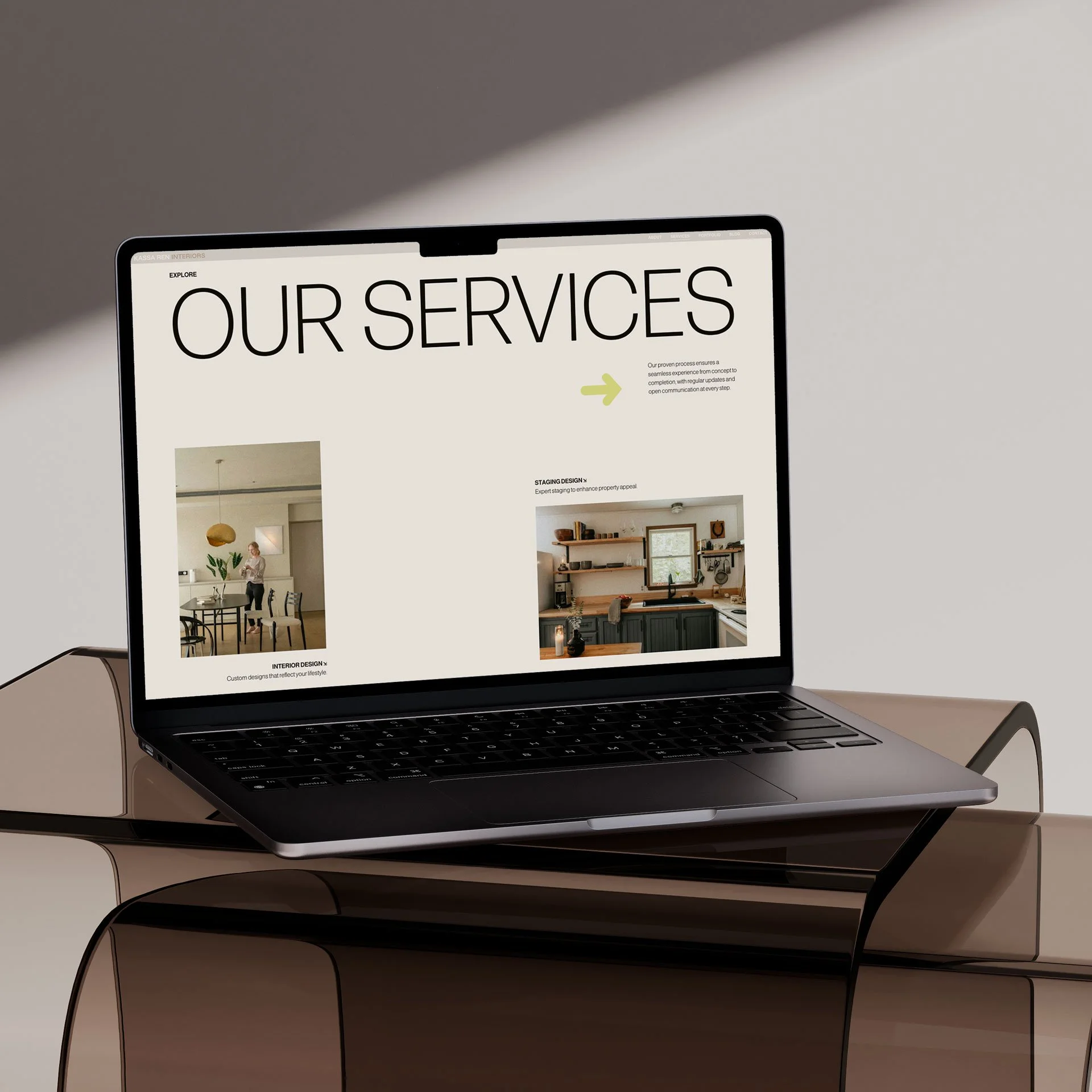
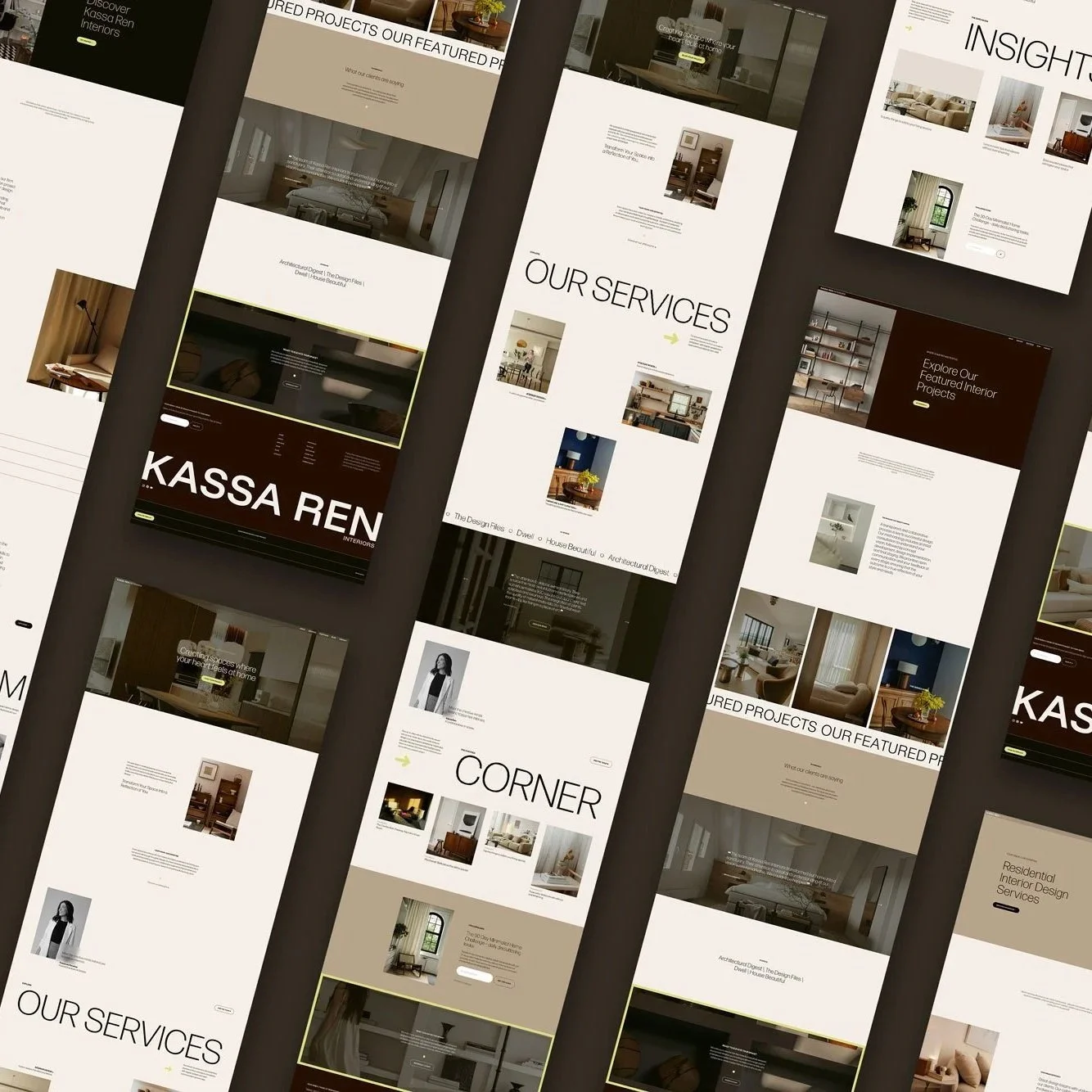
Kassa is a clean, editorial Squarespace 7.1 template for interior designers, architects and creative studios. With generous spacing, clear typography and full-width imagery, it gives you a polished starting point to showcase your work, explain your services and guide visitors towards an enquiry.
13 Squarespace 7.1 pages, including a coming soon page and link-in-bio
Designed for desktop and mobile
Template Launch Hub with setup guides and resources
Website planning guide, SEO checklist and final launch checklist
3-month Squarespace trial and 10% off your first annual plan
30 days of email support
Delivered within 48 hours
A$199.00
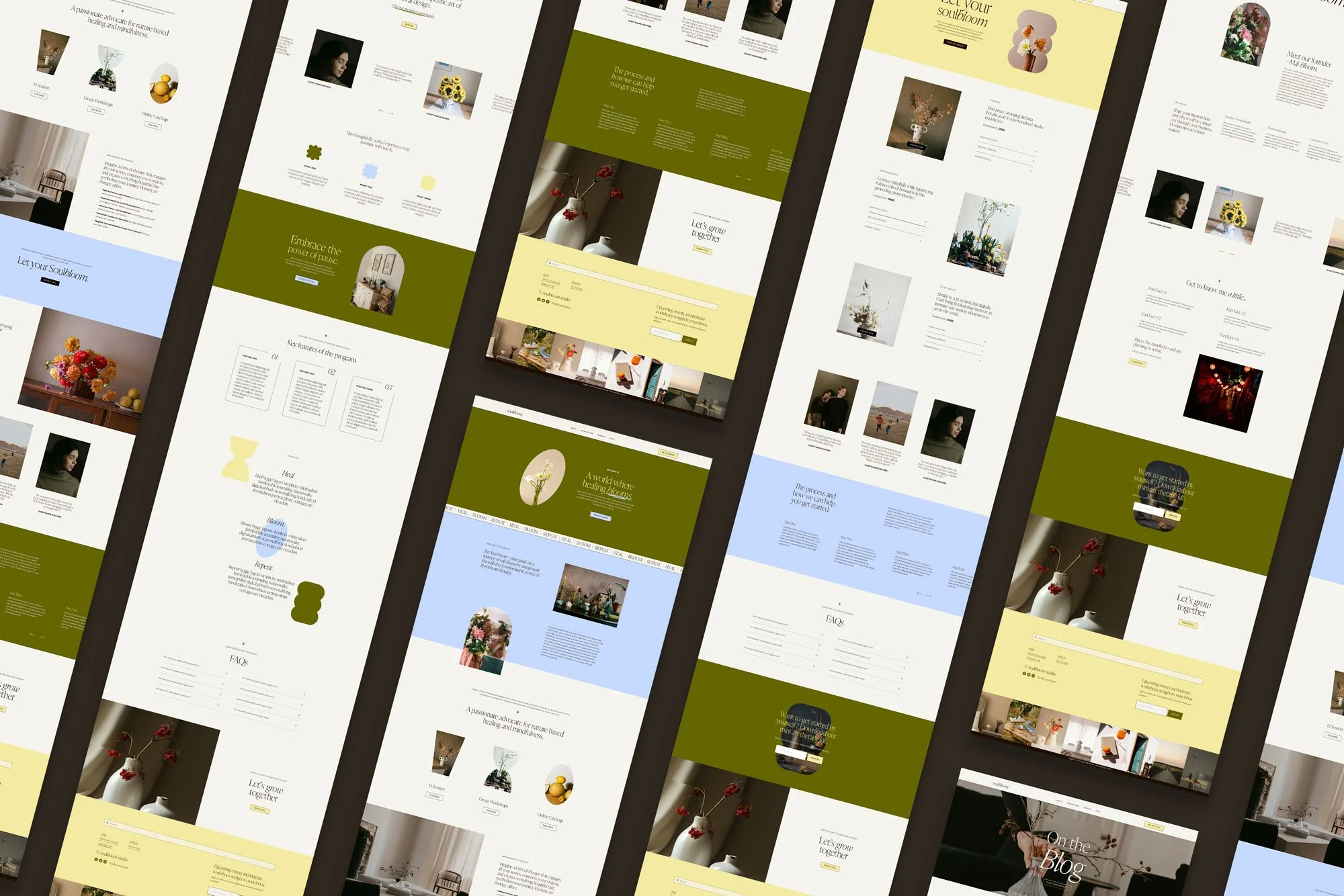
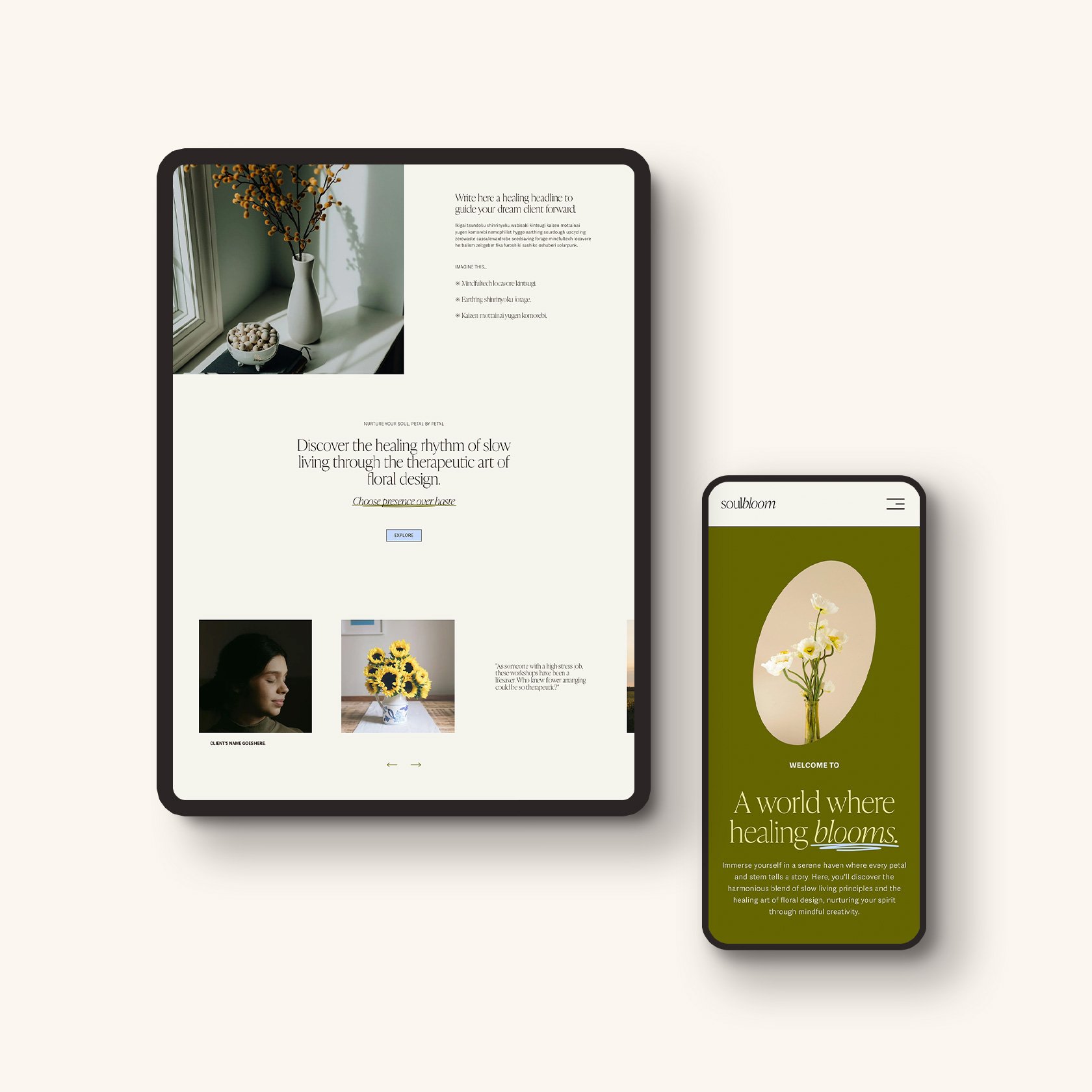
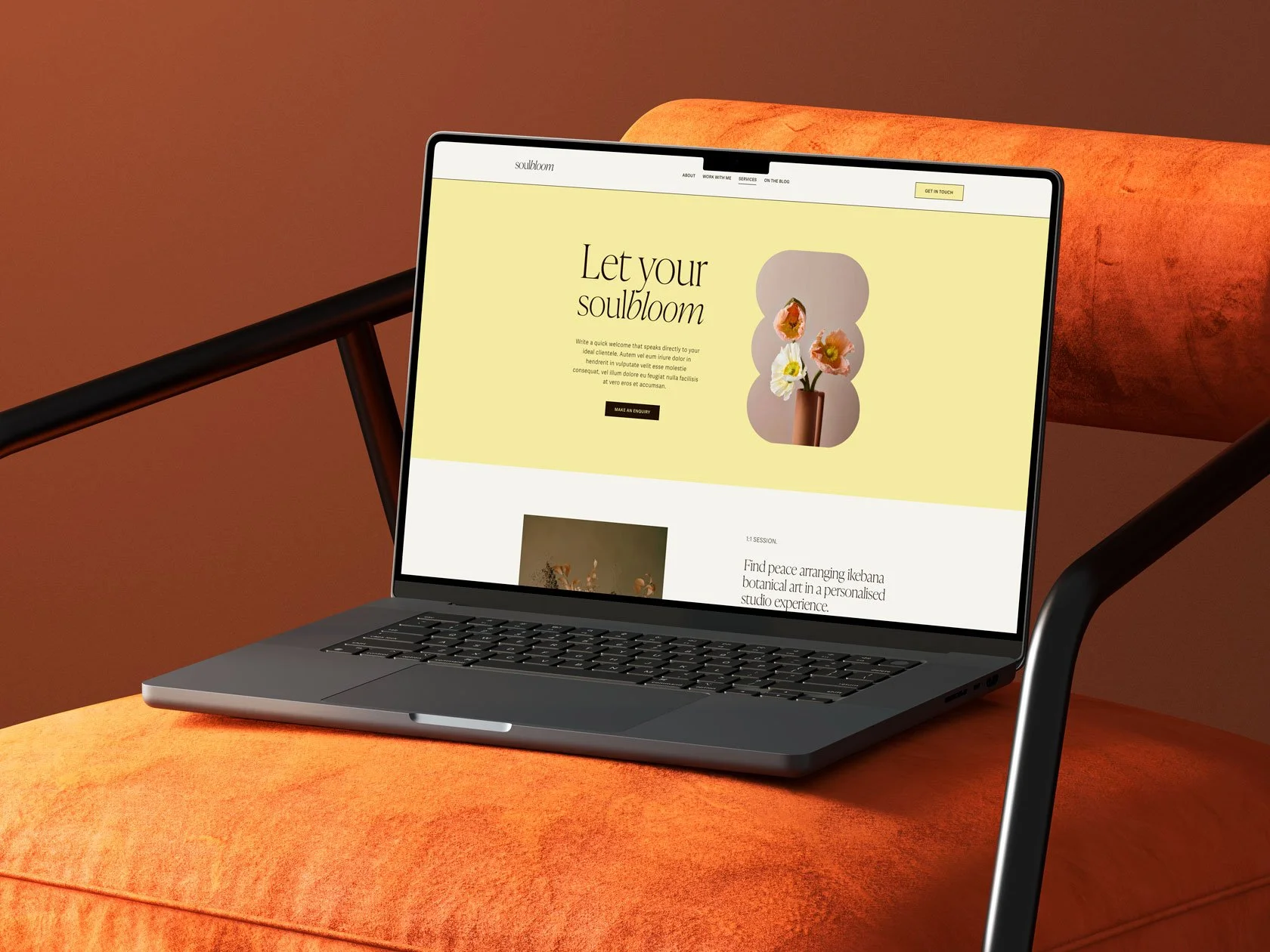
Soulbloom Template
For wellness, lifestyle and creative consultants who prefer a soft, organic online presence.
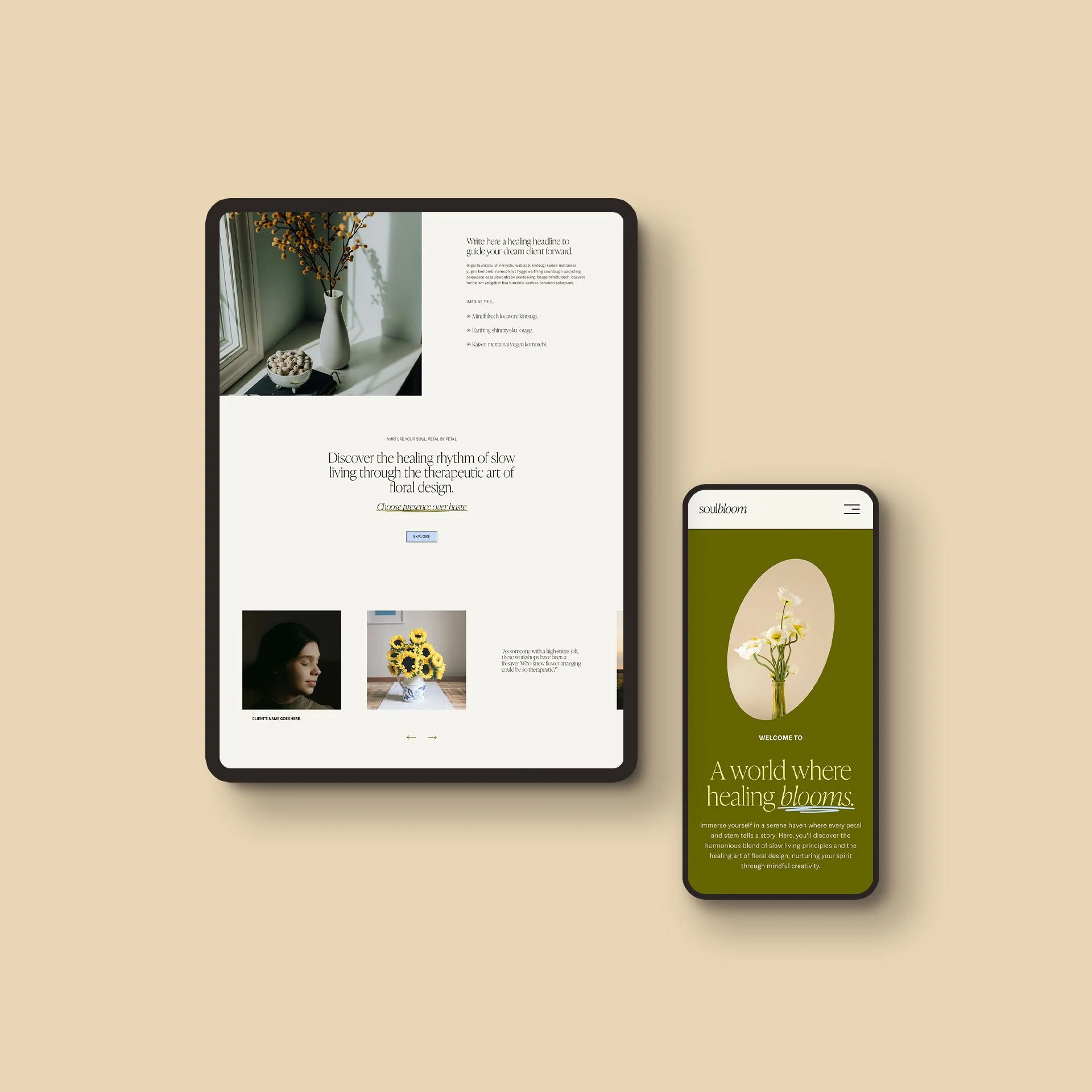
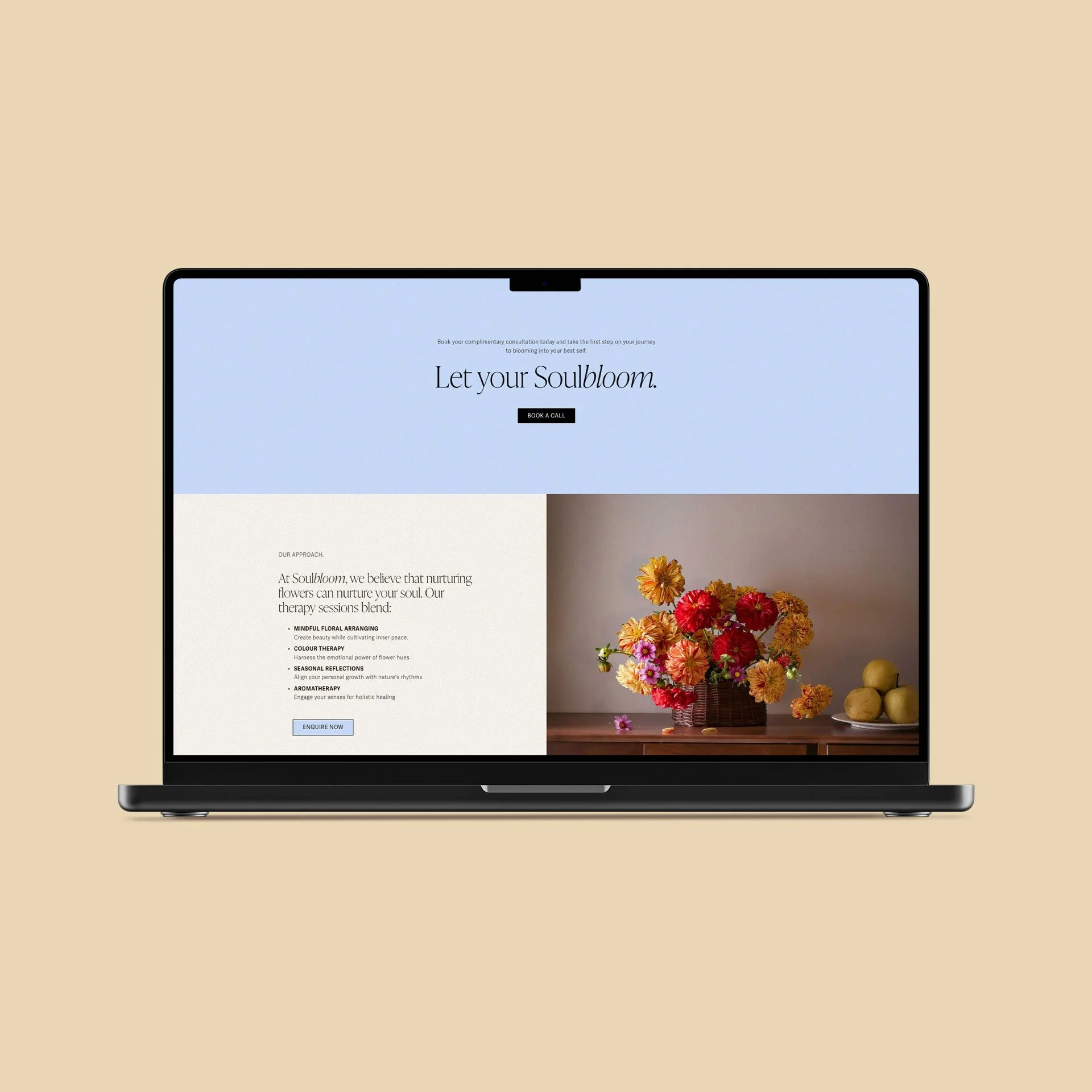
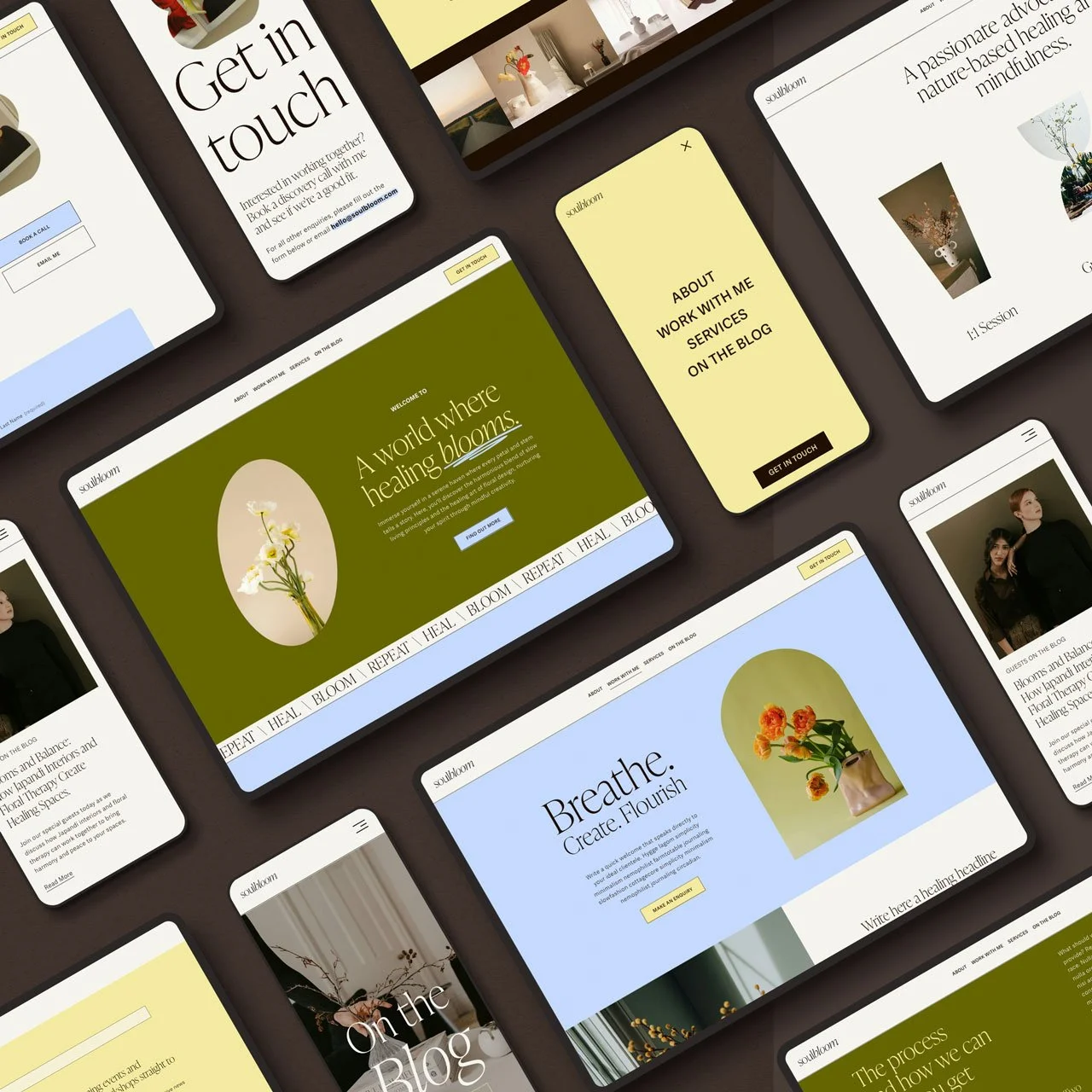
Soulbloom is a warm, organic Squarespace 7.1 template for wellness practitioners, florists and lifestyle brands. Layered layouts and soft colour give your story room to unfold, while service sections and clear calls to action guide people towards getting in touch.
13 Squarespace 7.1 pages, including a coming soon page and link-in-bio
Designed for desktop and mobile
Template Launch Hub with setup guides and resources
Website planning guide, SEO checklist and final launch checklist
3-month Squarespace trial and 10% off your first annual plan
30 days of email support
Delivered within 48 hours
Thoughtfully crafted, conversion-focused semi-custom website templates for creative consultants and small businesses. They are designed to give you a polished website foundation while still leaving room to personalise the site yourself.

WITH EVERY TEMPLATE
What’s included?
13 Squarespace 7.1 pages, including a coming soon page and link-in-bio
Designed for desktop and mobile
Template Launch Hub with setup guides and resources
Website planning guide, SEO checklist and final launch checklist
3-month Squarespace trial and 10% off your first annual plan
30 days of email support
Delivered within 48 hours
*Demo images are stock photos from Unsplash/Pexels sites, used to show the layout. They're not part of your purchase. Swap them for your own photos before your site goes live.


No coding required. Using your own copy, images and brand details, you’ll customise your template directly inside Squarespace. Turn it into your very own website.
IS THIS FOR YOU?
Before you purchase, let us make sure it is for you.
✔︎ Perfect if you
✘ Not ideal if you

Want a designed foundation you can customise yourself.

Want someone to handle the entire build for you.

Need a clear starting point, not a blank page.

Need tailored strategy, direction and design support.

Want a polished website without the full custom process.

Want copywriting, image sourcing and setup handled for you.

Are comfortable following guidance and editing your own site.

Need advanced features, custom code or a complex site.

Value thoughtful design, structure and ease of use.

Prefer not to edit your own website yourself.
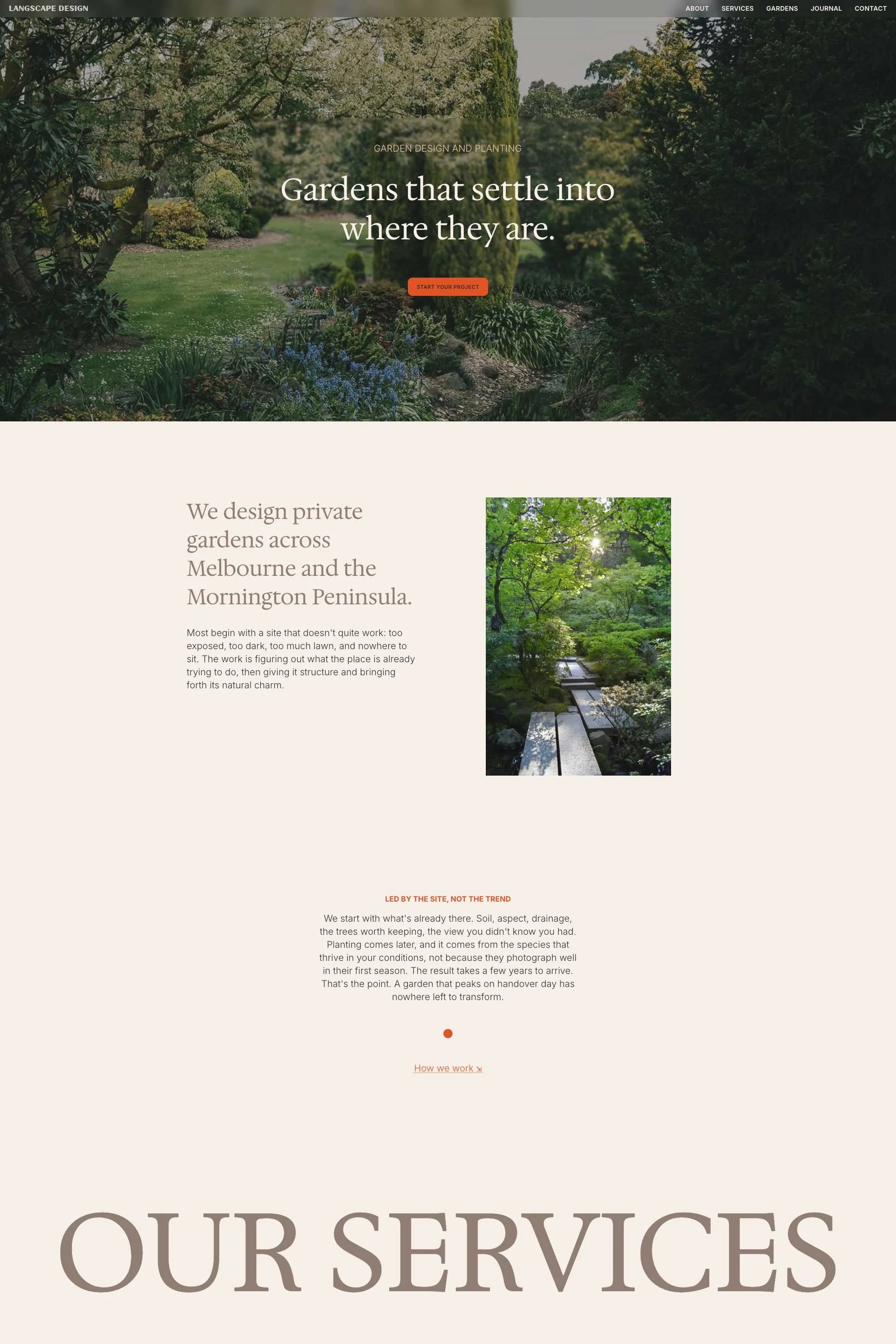
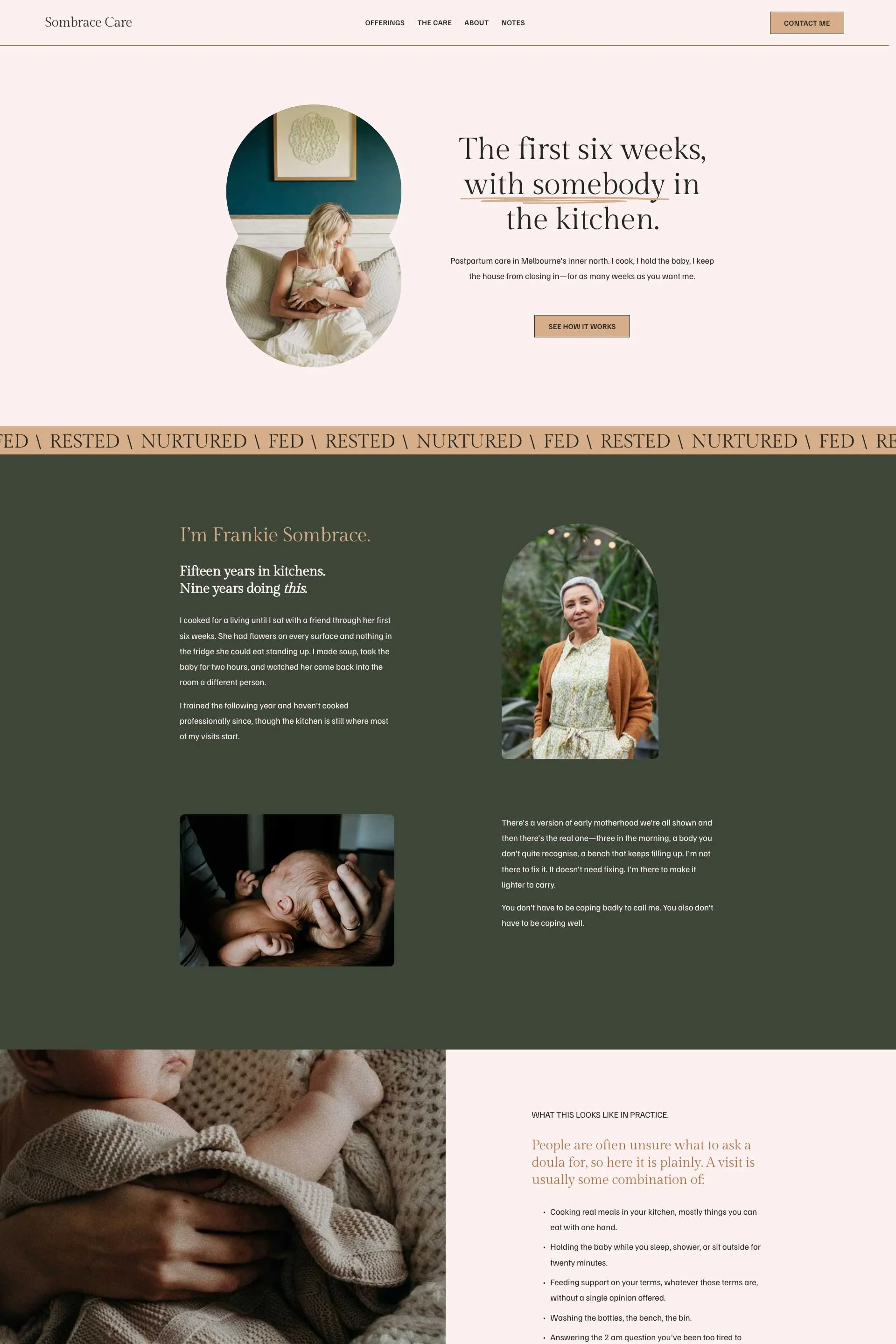
Will mine look like everyone else's? Have a look.
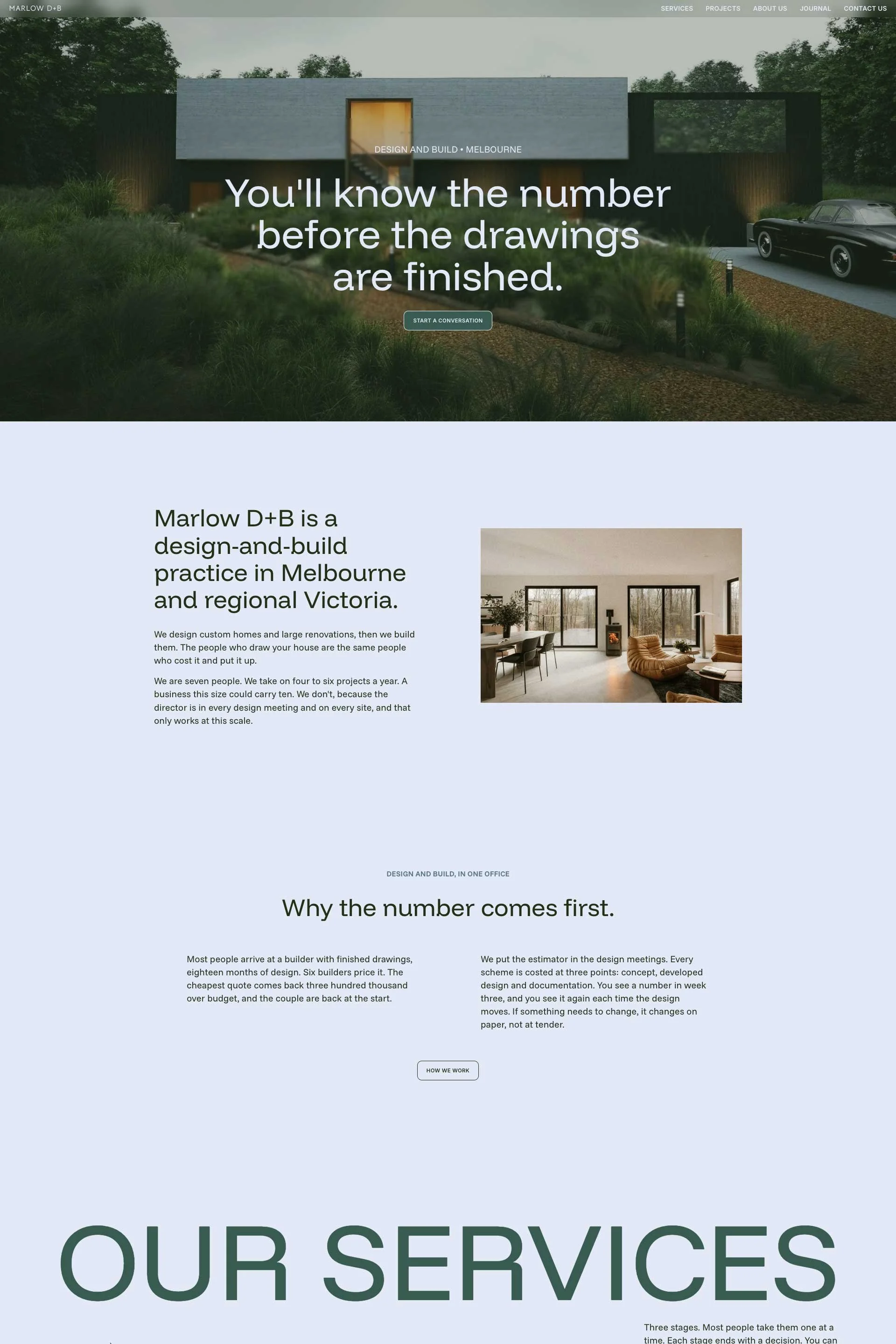
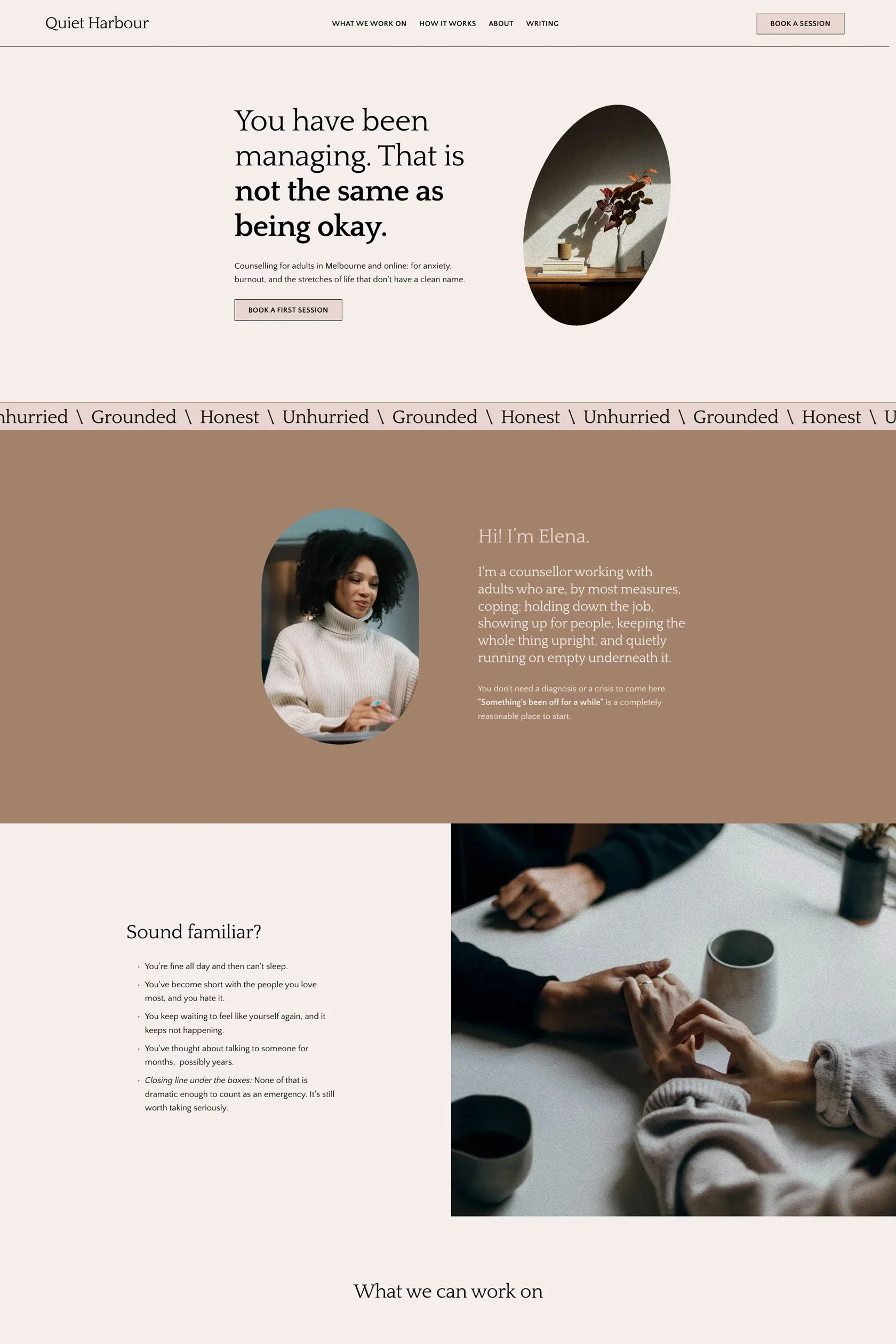
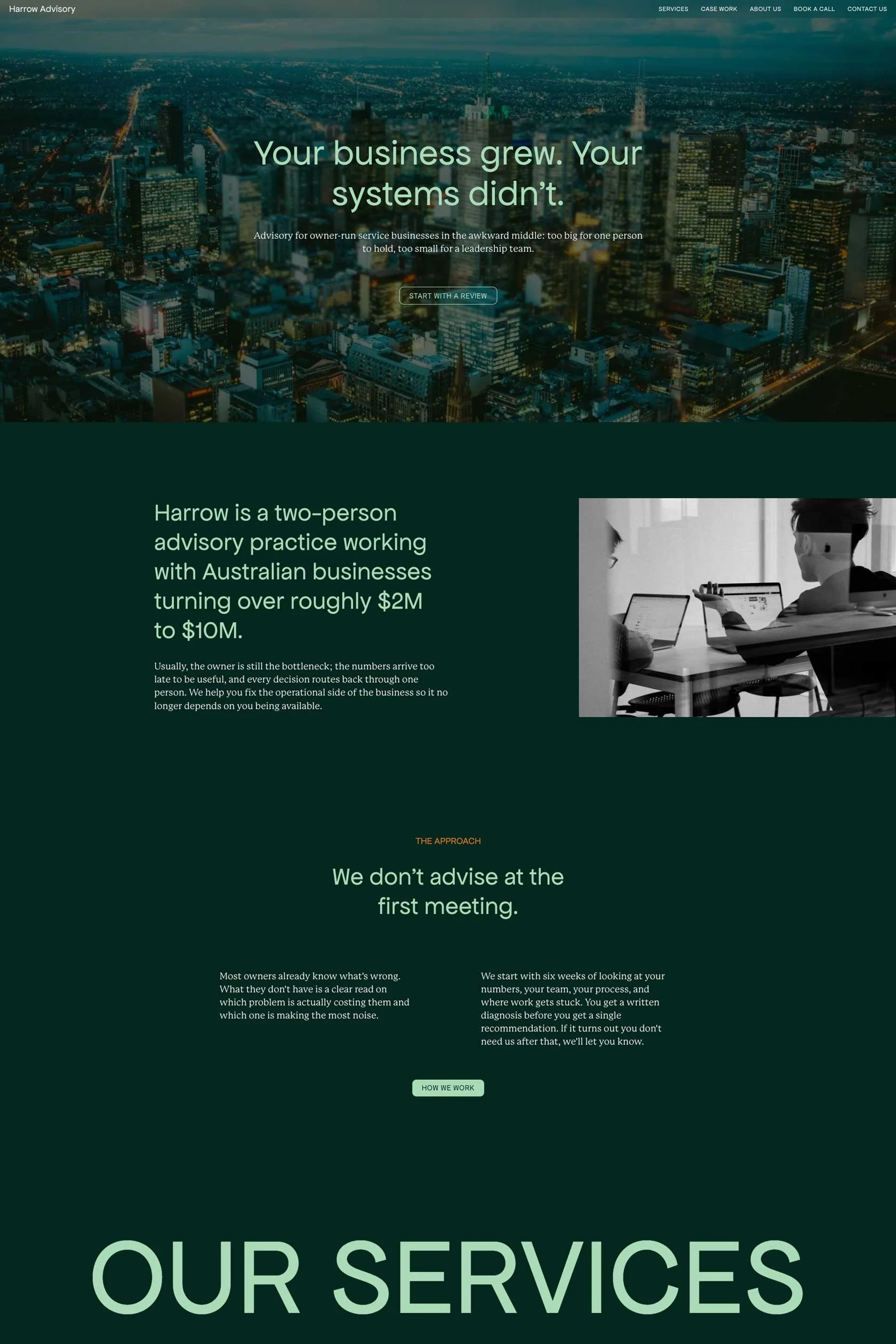
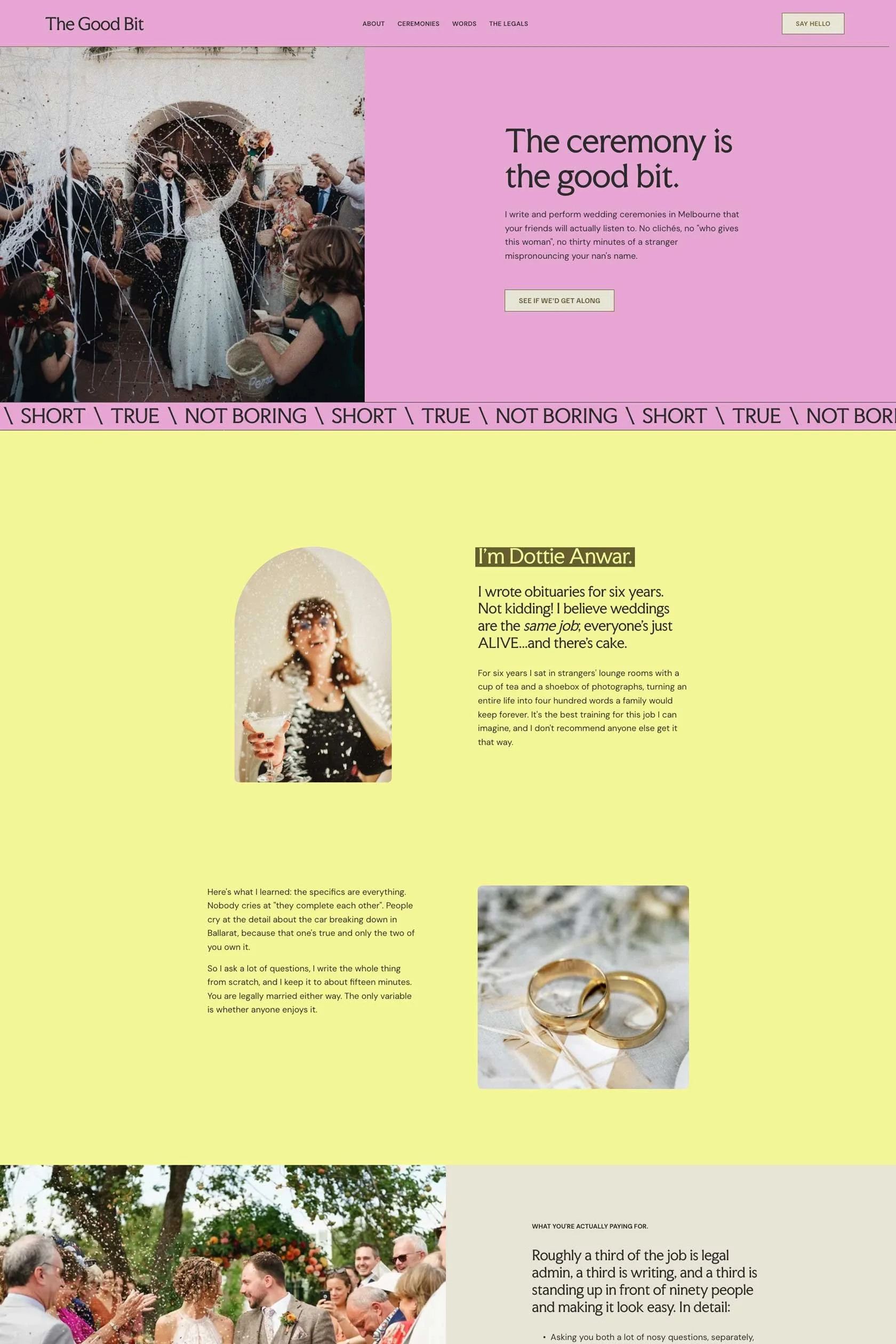
Wondering if your site will end up looking like everyone else's? It won't, and here's the proof. Below are the same Kassa and Soulbloom templates, reworked with different colours, fonts and images.
The structure underneath stays put (that's the part I've already thought through for you); everything on top is yours to change, no code required.
Swap the palette, switch the typefaces, drop in your own photography, and the template quietly becomes your website.
(K) Kassa Template
(S) Soulbloom Template
-
![]()
Design-build practice (K)
-
![]()
Adult counsellor (S)
-
![]()
Advisory firm (K)
-
![]()
Marriage celebrant (S)
-
![]()
Landscape design studio (K)
-
![]()
Postpartum care service (S)
Still not sure?
A template is a good fit if you’re happy to customise your own content, colours, images and pages with guidance.
If you’d rather have someone lead the full process from strategy to launch, a custom website may be a better fit.
How it works
Choose your template
Pick the template that suits your business and check out. You'll get access to the Template Launch Hub straight away.
Access your template
Your template will be prepared and transferred to the email address used at checkout within 48 hours. Accept it and the template lands in your own Squarespace account.
Make it yours
Work through the Launch Hub to swap in your colours, fonts, images and words, until the site sounds like you.
Prepare for launch
Run the final checklist to review your pages, check your settings and publish.
READY TO SELF-LAUNCH YOUR SITE?
Don't start from scratch; start from almost finished.
Your questions, answered honestly
Before purchase
-
These templates are best suited to service-based businesses, creatives, consultants, studios and small business owners who want a polished website without starting from scratch.
They are especially useful if you need a clear online presence to explain what you do, showcase your work and guide people towards an enquiry, booking or purchase.
-
Free templates can be a helpful starting point, but these templates are designed with a more specific page flow, content structure and visual direction, so you have a clearer foundation to customise from.
-
Yes. These templates are built for Squarespace 7.1.
You’ll need a Squarespace account to use your template. If you do not already have one, you can create an account and choose a Squarespace plan that suits your needs.
-
No design or coding experience is needed.
The template is already designed and built for you, so your main job is to update the words, images and details to suit your business. Some comfort using Squarespace will help, but the template is created to make the process feel more manageable.
-
Absolutely! Designers can use the templates for client projects. One template purchase covers one website only.
-
A structured written guide with module-based steps, checklists, and curated links to relevant Squarespace Support tutorials.
You can also find the SEO Checklist and Final Launch Guide to help you launch with confidence.
-
No. The Launch Hub is written instead, and that's deliberate.
A written guide is faster to search when you're stuck on one specific thing, easier to skim, and you can keep it open beside your screen instead of pausing and rewinding. It also stays accurate. Squarespace changes its interface regularly, so written steps can be updated the same day, where a video quietly goes out of date.
Where a step needs proper how-to detail, the Hub links you straight to the relevant Squarespace Support article.
-
I’m happy to help with template-related questions such as:
Accessing your purchased template
Understanding where to find something inside the template
Clarifying steps inside the Template Launch Hub
Questions about included template features
Issues with CSS or code that has been provided as part of the template
Broken links, missing instructions or errors within the template guide
After purchase
-
You'll get instant access to the Template Launch Hub, so you can start getting familiar while you wait.
Within 48 hours, Squarespace will email a template invitation to the address you used at checkout.
Accept the invitation and your template lands in your own Squarespace account, ready to edit.
The invitation comes from Squarespace rather than from me, so check your junk/spam folder if it hasn't appeared. I will also send a follow-up email with your invitation link as a back up plan. However, if no email is sent to you after 48 hours, email me at hello@nina-n.com.au and I'll chase it up.
Please note: this is not an instant file download. Your template is transferred into a Squarespace account, not sent as a file.
-
Your template will be transferred to the email address you filled out at checkout. You’ll receive a Squarespace invitation to accept the template into your own account.
This is not an instant file download. You’ll need a Squarespace account to accept and customise your template.
-
Within 48 hours (or sooner)
-
You’ll need a Squarespace account and access to the email address used at checkout. If you do not already have a Squarespace account, you can create one when accepting the template invitation.
Customising your template
-
Yes. You can customise the colours, fonts, images, text and layout sections to suit your brand.
You can keep the design close to the original template or adjust it to feel more like your own. The structure gives you a polished starting point while still allowing room for personalisation.
-
This depends on how ready your content is. If you already have your words, images and brand details prepared, you may be able to customise your template within a few days. If you’re still writing content or gathering images, it may take a little longer.
The template helps reduce the design and layout decisions, but you’ll still need to allow time to personalise it properly before publishing.
-
Yes. If you like the look of a template but would prefer someone to customise it for you, I offer a more hands-on option.
This can include updating the template with your content, images, colours and brand details, so you can launch with more support and less time spent figuring it all out yourself.
Policies and usage
-
One template purchase covers one website, either for yourself or your client. If you’d like to use the same template for another website or client project, you’ll need to purchase an additional licence.
-
Due to the digital nature of website templates, all sales are final, and refunds are not available once the template has been purchased or delivered.
Please read through the template details carefully before purchasing. If you’re unsure whether a template is the right fit, you’re welcome to get in touch before buying.
-
Your template includes 30 days of email support from the date of purchase.
This support is here to help with template-related questions, such as accessing your template, understanding the included setup guide, using the template features and troubleshooting any CSS or code supplied with the template.
*Support does not include general Squarespace training, custom design advice, copywriting, SEO strategy, business strategy, third-party plugins, custom code beyond what is included, major layout changes, website audits, done-for-you customisation or phone/video support.
*Support is available by email only. I aim to respond within 48 hours (or sooner), though this may vary during busy periods, weekends, public holidays or due to unforeseen circumstances.
*Support may be limited if the template has been significantly altered from its original structure. Squarespace may also update its platform over time, which can affect settings, features or interface details.
Publishing and SEO
-
A paid Squarespace plan: your template arrives on a trial site, so you can build and edit it for free while you work. To publish, you'll need to subscribe to a Squarespace plan. The subscription is billed by Squarespace, monthly or annually, and is separate from the price of this template. You can see their current pricing here.
A domain (yourbusiness.com.au): you can buy through Squarespace or connect from somewhere else if you already have one. Each template includes a 3-month Squarespace trial and 10% off your first annual plan.
-
Great question!
The answer is yes. Squarespace includes built-in SEO tools that help you optimise page titles, descriptions, URLs, image alt text and other key settings.
-
Absolutely! Squarespace 7.1 Fluid Engine comes with a dedicated mobile editor. You have complete control to adjust nearly everything on mobile without affecting your desktop design.
-
No. The template and included guides are designed to give you a clear and professional website foundation, but they do not guarantee Google rankings, traffic, enquiries, sales or profit. Your results will depend on your business, offer, content, audience, marketing strategy and how consistently you use your website.
Need a more hands-off option?
If you like the look of my template but dread the idea of setting it up yourself, I can step in and help you customise it with your content, colours, images and core pages.